
How Do I Log In to BAOU Samarth Portal? Eklavya, ABC ID, and DEB ID Registration
BAOU students can log in to the Eklavya Student Support Portal using their enrollment number and date of birth. BAOU also provides online portals to register for Academic Bank of Credits (ABC) ID and DEB ID.
- BAOU distance learners can log in to the Eklavya Student Support Portal using their enrollment number and date of birth.
- BAOU requires students to create an Academic Bank of Credits (ABC) ID using their Aadhaar and enrollment details.
- Distance education applicants at BAOU must generate a DEB ID on the UGC portal using an updated APAAR card.
- BAOU provides a student toll-free helpline at 1800 233 1020 for guidance and mental health support.
Contents
- How do I log in to the BAOU Eklavya Student Support Portal?
- How do I register for an Academic Bank of Credits (ABC) ID on BAOU?
- How do I create or update a DEB ID for BAOU distance admission?
- How do I access online admission registration on the BAOU portal?
- What student support portals and helplines does BAOU provide?
- Where to go on the BAOU site
- Notices and documents from BAOU
- Common questions
- More on Student Services
Key facts
| Student Login Portal | Eklavya Student Support Portal |
|---|---|
| Login Credentials Required | Enrolment Number and Date of Birth (DD/MM/YYYY) |
| BAOU Toll-Free Support | 1800 233 1020 |
| Tele-MANAS Helpline | 14416 |
| Migration Certificate Fee | Rs. 100 |
How do I log in to the BAOU Eklavya Student Support Portal?
Students can log in to the BAOU Eklavya Student Support Portal using their enrollment credentials to access online learner services.
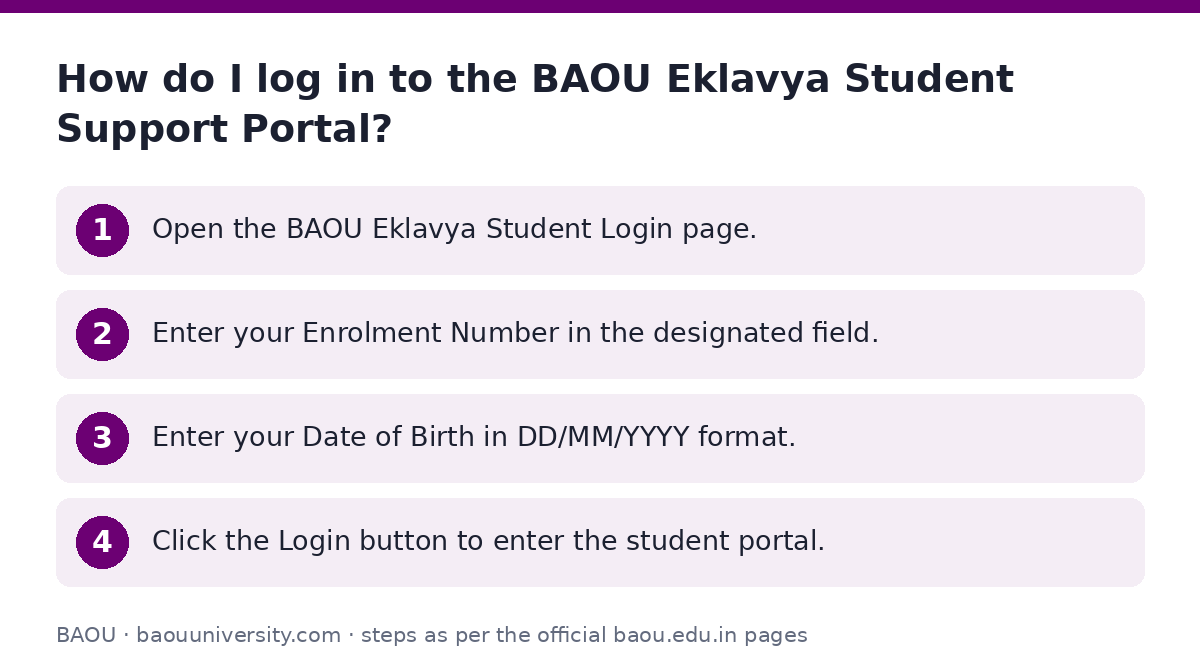
- Open the BAOU Eklavya Student Login page.
- Enter your Enrolment Number in the designated field.
- Enter your Date of Birth in DD/MM/YYYY format.
- Click the Login button to enter the student portal.
How do I register for an Academic Bank of Credits (ABC) ID on BAOU?
BAOU students can generate an Academic Bank of Credits ID online by submitting their Aadhaar details on the BAOU ABC ID portal.
- Open the BAOU ABC Registration page.
- Enter your Enrollment Number or Form Number.
- Enter your Name as per Aadhaar and your 12-digit Aadhaar Number.
- Enter your Date of Birth and select your Gender.
- Provide your Aadhaar-linked Mobile Number and E-Mail address.
- Enter the CAPTCHA code and click Submit.
How do I create or update a DEB ID for BAOU distance admission?
Learners enrolling in distance education programmes at BAOU must register for a DEB ID on the UGC DEB Student ID portal.
- Check your APAAR card for any errors in your name, date of birth, or gender.
- If there are errors, correct them via support.abc.gov.in, the DigiLocker app, or by calling 18008893511.
- Open the UGC DEB ID creation page.
- Enter your ABC ID, Aadhaar Name, Birth Year, Gender, Provider details, Mobile, and Email.
- Enter the Captcha and click Submit to generate your DEB ID.
- To update an existing DEB ID, correct your APAAR card details first before submitting updates online.
How do I access online admission registration on the BAOU portal?
Dr. Babasaheb Ambedkar Open University conducts all programme admissions through its online registration portal.
- Keep your valid mobile number, email ID, educational certificates, and Aadhaar card ready.
- Ensure you have access to online payment tools like Net Banking, Debit Card, Credit Card, or Kotak Mahindra Bank e-Challan.
- Visit the official BAOU website and click on the online admission link.
- Register by providing your Name, Gender, Free-ship card status, Mobile Number, Email ID, Course Name, Birthdate, Aadhar Number, Username, and Password.
- Log in with your registered username and password to fill out the form and upload documents.
What student support portals and helplines does BAOU provide?
BAOU provides central support resources through online portals and dedicated student helplines.
Students can view study material, assignment details, and examination services through the BAOU Student Services page.
BAOU has not published specific login instructions for the Samarth portal on its site as of 05 October 2026.
- BAOU Toll-Free Helpline: 1800 233 1020
- Tele-MANAS Mental Health Helpline: 14416
- Mental Health Email Guidance: nigam.pandya@baou.edu.in
- Learner Support Centre Phone: +91 79 29796223 / 24 / 25
Where to go on the BAOU site
| What you can do | Official page |
|---|---|
| Log in to Eklavya student portal | learnerservices.baou.edu.in/BAOU-ERP/students/login.aspx |
| Register for BAOU ABC ID | support.baou.edu.in/UMS/Abc_id.aspx |
| Create UGC DEB ID online | deb.ugc.ac.in/studentDEBID |
| Access BAOU online student services | baou.edu.in/showpage.aspx?contentid=6384 |
| Access BAOU center login page | admission.baou.edu.in/post-admisssion/welcome.aspx |
Notices and documents from BAOU
- Learner Support Centre Manual PDF — Manual outlining BAOU learner support centre rules and admission procedures
Common questions
How to access the BAOU student login portal?
You can access the BAOU student login portal by visiting the Eklavya Student Support Portal online. Enter your Enrolment Number and Date of Birth in DD/MM/YYYY format, then click Login to enter your portal.
What details are required to log in to the BAOU Eklavya portal?
You need your BAOU Enrolment Number and your Date of Birth formatted as DD/MM/YYYY. Enter these fields on the Eklavya Student Support Portal login page to proceed.
How do I create an Academic Bank of Credits (ABC) ID for BAOU?
Visit the BAOU ABC registration page and provide your Enrollment Number or Form Number. Enter your Aadhaar Name, Aadhaar Number, Date of Birth, Gender, Mobile Number, and E-Mail to submit your request.
What should I do before generating a DEB ID for BAOU distance courses?
Verify your APAAR card details such as name, gender, and birth date first. If there are any discrepancies, resolve them through DigiLocker or the support ticket system at support.abc.gov.in before creating your DEB ID.
What is the fee for obtaining a migration certificate from BAOU?
The fee for a BAOU migration certificate is Rs. 100. You can submit an application on plain paper along with copies of your mark sheet and degree certificate, paying via demand draft or in person.
How can new students complete online admission at BAOU?
New applicants must register on the BAOU online admission portal by creating a username and password. After registering with their mobile number, email, and Aadhaar, they can log in to upload documents and pay fees.
What is the BAOU student toll-free helpline number?
The official BAOU toll-free helpline number is 1800 233 1020. Students can call this number for university guidance and support.