
How Do I Download BAOU I-Card Online? Eklavya Portal, ABC ID and DEB ID
BAOU students can access their profile via the Eklavya Student Support Portal. While BAOU has not published a direct university ID card download process, students are required to create an Academic Bank of Credits (ABC) ID and a Distance Education Bureau (DEB) ID online.
- BAOU students log in to the Eklavya Student Support Portal using their Enrollment Number and Date of Birth.
- Creating an Academic Bank of Credits (ABC) ID is mandatory for BAOU students and requires Aadhaar details.
- A Distance Education Bureau (DEB) ID is created on the UGC-DEB portal, using the student’s ABC ID.
- BAOU has not published a direct online process for downloading a university-issued ID card as of 05 October 2026.
- Corrections to ABC/APAAR ID details can be made via the ABC Support Ticket System or DigiLocker app.
Contents
- How to Access the BAOU Student Login Portal (Eklavya)?
- What is BAOU ABC ID and How to Create It?
- What is BAOU DEB ID and How to Create It?
- How to Correct Your BAOU ABC/APAAR Card Details?
- How to Correct or Update Your BAOU DEB ID?
- Does BAOU provide a downloadable ID card?
- Where to go on the BAOU site
- Common questions
- More on Student Services
Key facts
| BAOU Student Login Portal | Eklavya Student Support Portal |
|---|---|
| ABC ID Creation Requirement | Aadhaar Number, Enrollment Number |
| DEB ID Creation Requirement | ABC ID |
| ABC/APAAR ID Support Contact | 18008893511 (ABC Support Call Center) |
| BAOU Toll-Free Number | 1800 233 1020 |
How to Access the BAOU Student Login Portal (Eklavya)?
BAOU students can access their personal details and services through the Eklavya Student Support Portal. This portal requires your unique enrollment number and date of birth for login.
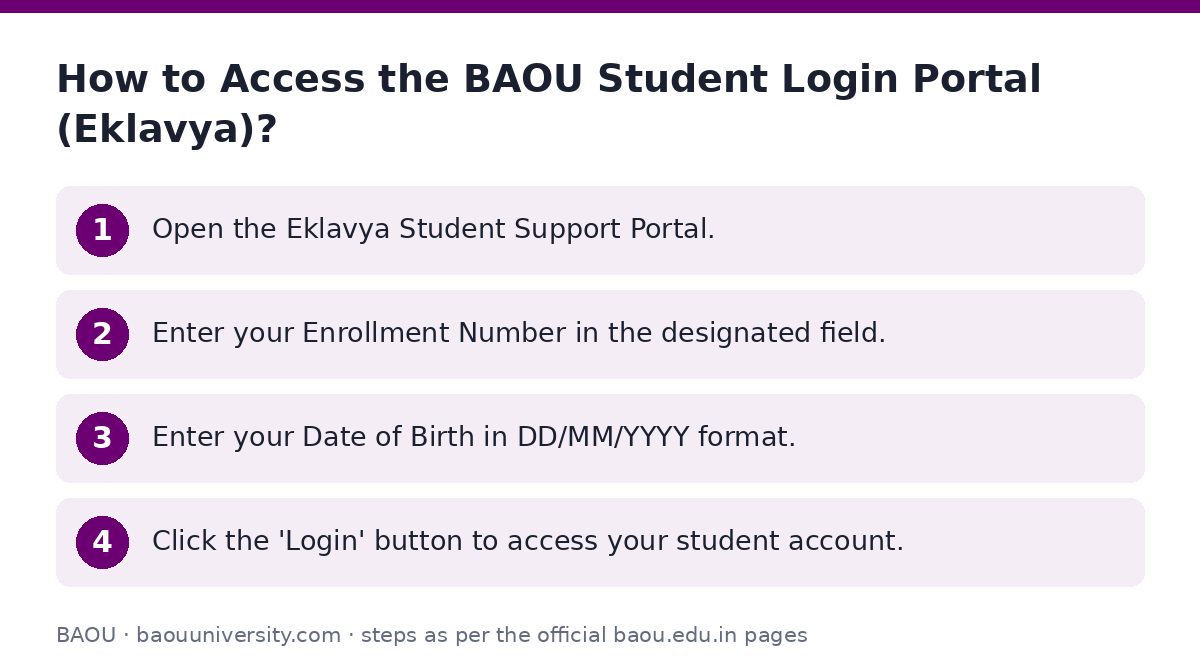
- Open the Eklavya Student Support Portal.
- Enter your Enrollment Number in the designated field.
- Enter your Date of Birth in DD/MM/YYYY format.
- Click the ‘Login’ button to access your student account.
What is BAOU ABC ID and How to Create It?
The Academic Bank of Credits (ABC) ID is a unique identifier for students in the Indian education system. BAOU students must create an ABC ID by registering online with their Aadhaar details.
This ID helps in digitally storing academic credits earned from various higher education institutions.
- Enrollment Number | Form Number
- Name as per Aadhaar
- Aadhaar Number (12 digits)
- Date of Birth
- Gender (Male, Female, Other)
- Mobile as per Aadhaar (10 digits)
- CAPTCHA
- Go to the BAOU ABC ID Registration page.
- Enter your Enrollment Number or Form Number.
- Provide your Name exactly as it appears on your Aadhaar card.
- Enter your 12-digit Aadhaar Number.
- Select your Date of Birth.
- Choose your Gender (Male, Female, or Other).
- Enter your Mobile number linked to Aadhaar.
- Provide your E-Mail address.
- Enter the displayed CAPTCHA code.
- Click the ‘Submit’ button to create your ABC ID.
What is BAOU DEB ID and How to Create It?
The Distance Education Bureau (DEB) ID is another important identification for students enrolled in distance learning programs. BAOU learners can create their DEB ID by registering on the DEB portal.
An existing ABC ID is required to generate your DEB ID.
- Open the DEB ID generation portal.
- Register yourself on the DEB portal using your ABC ID.
- Follow the on-screen instructions to complete the DEB ID creation process.
How to Correct Your BAOU ABC/APAAR Card Details?
Before creating or updating your DEB ID, ensure your Academic Bank of Credits (ABC) or APAAR card details are accurate. Any discrepancies in your name, date of birth, or gender must be corrected first.
Incorrect details on your ABC/APAAR card can lead to issues with your DEB ID.
- Check your APAAR card thoroughly for any mistakes or missing information.
- For issues related to ABC ID or APAAR ID, use the ABC’s Support Ticket System or the DigiLocker app.
- Alternatively, contact the ABC support call center at 18008893511 for assistance.
- Once corrections are made, double-check that your APAAR card is up-to-date before proceeding with DEB ID creation.
How to Correct or Update Your BAOU DEB ID?
If your DEB ID is already created but contains errors, you can update it online. It is essential to first ensure your ABC/APAAR card details are correct.
The DEB ID update process should only be performed after confirming the accuracy of your APAAR card.
- Verify your APAAR card for any mistakes or missing details like name, date of birth, or gender.
- Address any issues with your ABC ID or APAAR ID using the ABC Support Ticket System, DigiLocker app, or by calling 18008893511.
- Confirm that your APAAR card is fully corrected and up-to-date.
- Proceed to update your DEB ID on the provided link: https://deb.ugc.ac.in/StudentDEBId/UpdateDebDetails.
Does BAOU provide a downloadable ID card?
As of 05 October 2026, Dr. Babasaheb Ambedkar Open University has not published a direct online process for downloading a university-issued ID card on its website. Students are provided with a registration number upon admission.
However, students are required to create an Academic Bank of Credits (ABC) ID and a Distance Education Bureau (DEB) ID, which serve as important digital identifications.
Where to go on the BAOU site
| What you can do | Official page |
|---|---|
| Access BAOU Student Support Portal | learnerservices.baou.edu.in/BAOU-ERP/students/login.aspx |
| Create BAOU ABC ID | support.baou.edu.in/UMS/Abc_id.aspx |
| Generate DEB ID | deb.ugc.ac.in/studentDEBID |
Common questions
How to access the BAOU student login portal?
BAOU students can access their login portal, named Eklavya Student Support Portal, by visiting the Eklavya portal. You will need to enter your Enrollment Number and Date of Birth to log in.
What is an ABC ID for BAOU students?
An Academic Bank of Credits (ABC) ID is a unique digital identifier for students in India. BAOU students must create this ID online using their Aadhaar details, Enrollment Number, and other personal information. It helps in managing academic credits.
What is a DEB ID for BAOU students?
A Distance Education Bureau (DEB) ID is an identification required for students in distance learning programs. BAOU students need to create their DEB ID on the UGC-DEB portal. An existing ABC ID is a prerequisite for generating a DEB ID.
Is a BAOU ID card available for download?
As of 05 October 2026, BAOU has not published a direct online process for downloading a university-issued ID card. Students are provided with a registration number, and are required to create ABC and DEB IDs for digital identification.
What details are needed to create a BAOU ABC ID?
To create a BAOU ABC ID, you need your Enrollment Number or Form Number, Name as per Aadhaar, Aadhaar Number, Date of Birth, Gender, Mobile number as per Aadhaar, E-Mail, and the CAPTCHA code displayed on the registration page.
How can I correct my ABC/APAAR ID details?
To correct your ABC/APAAR ID details, first check your APAAR card for errors. Then, use the ABC’s Support Ticket System, the DigiLocker app, or call the ABC support call center at 18008893511 for assistance. Ensure corrections are confirmed before proceeding with DEB ID creation.